Skip to content


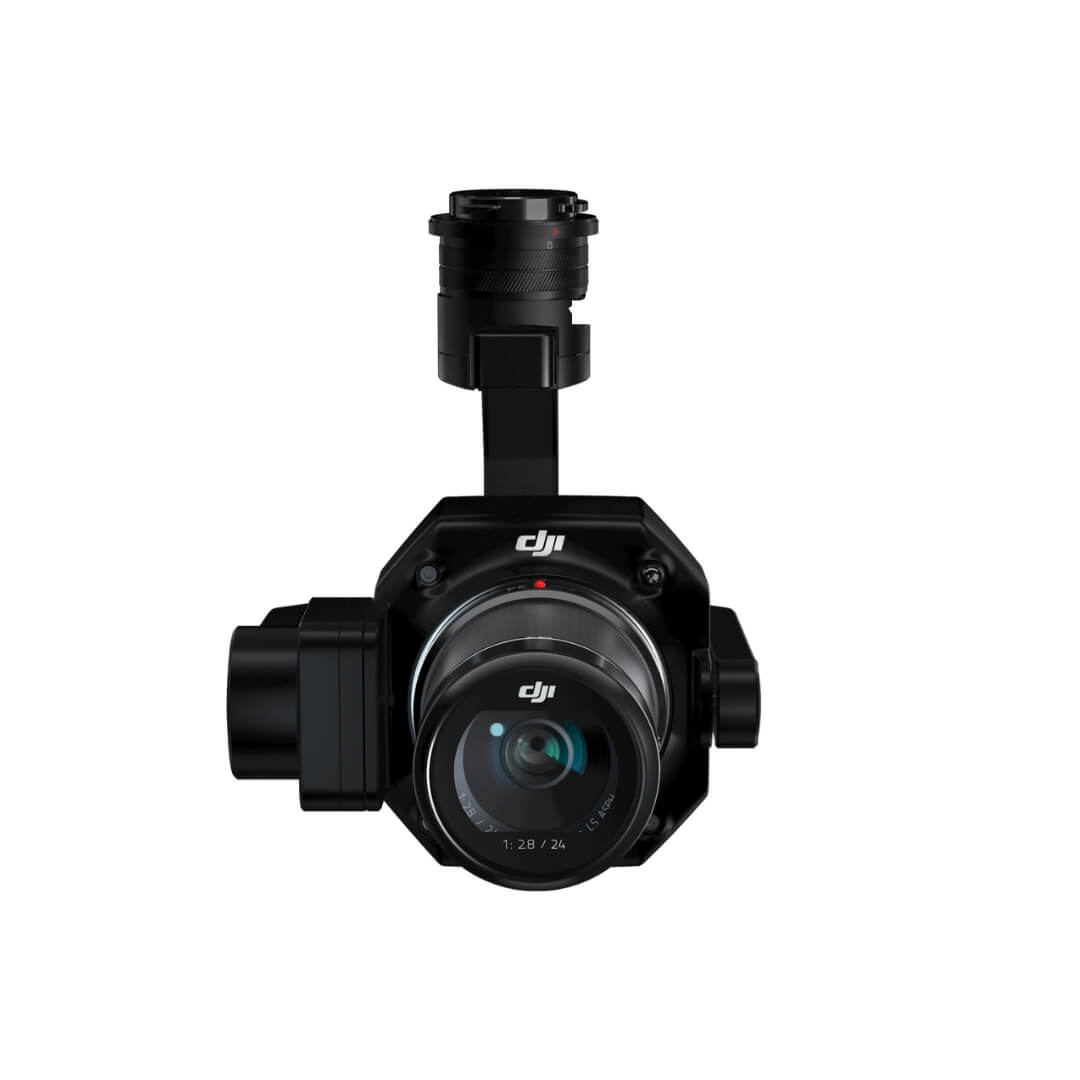
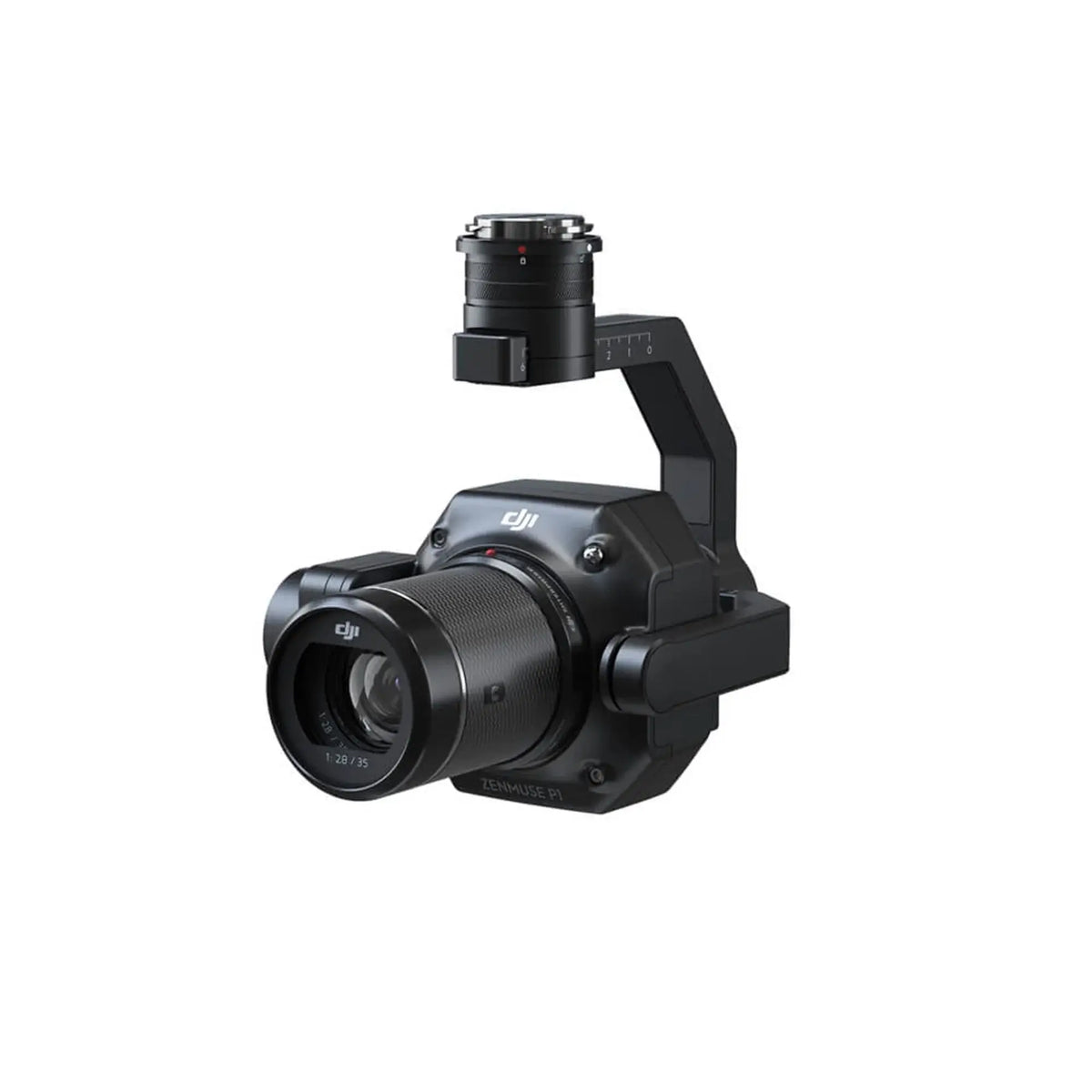
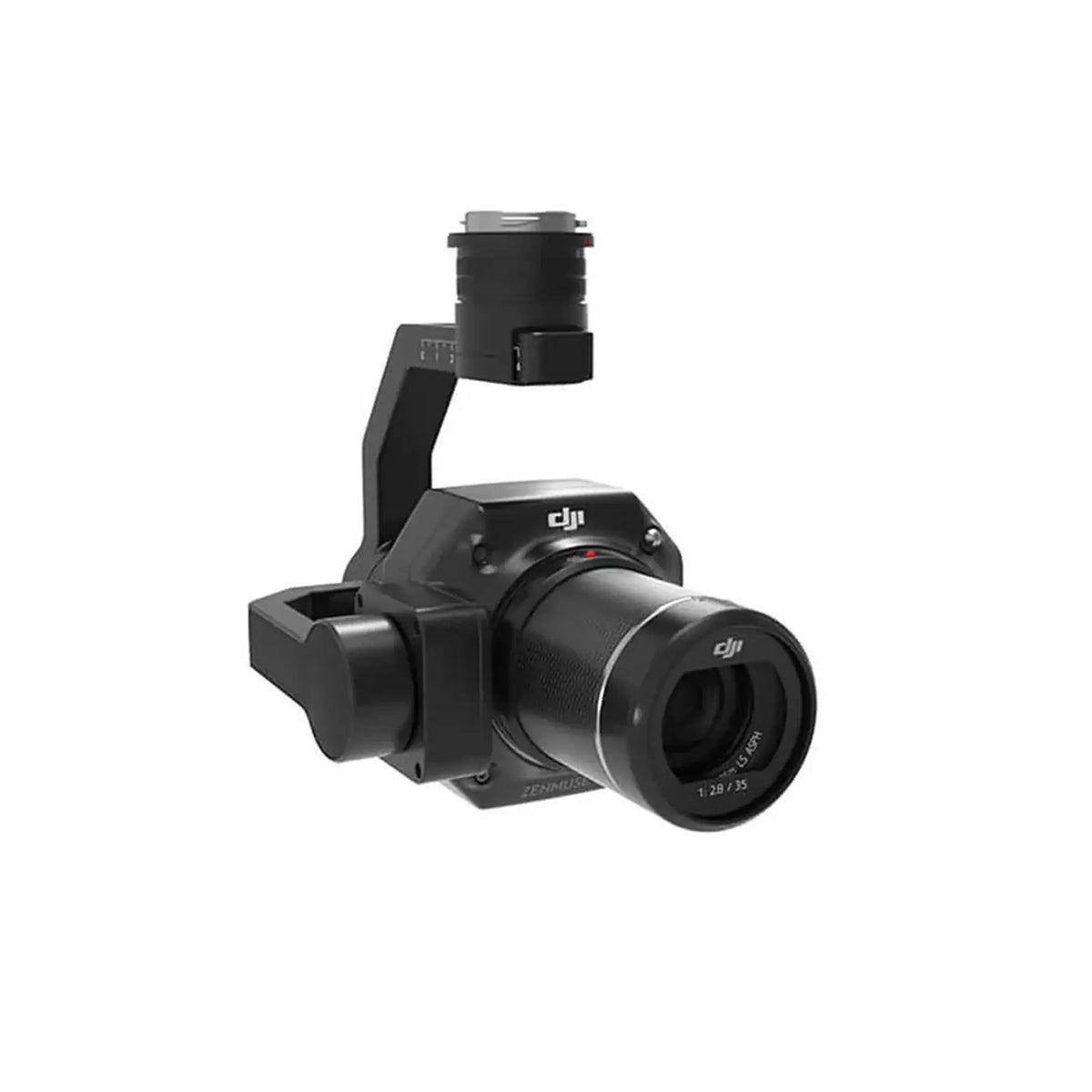
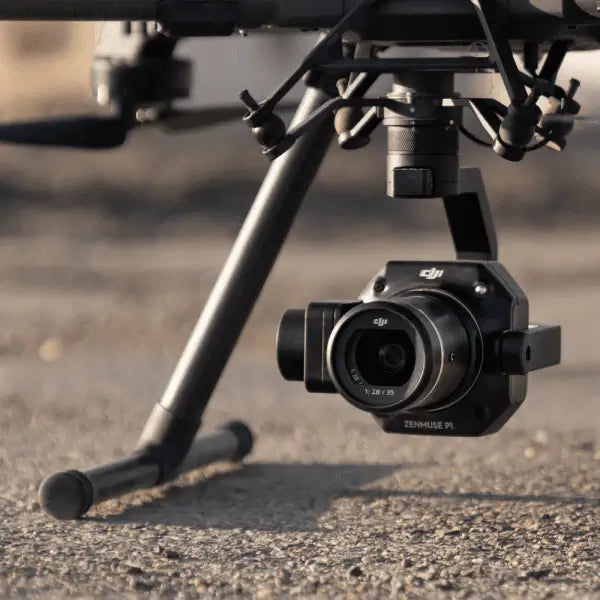
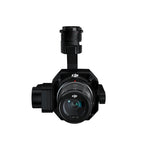
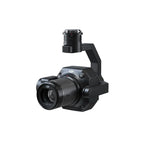
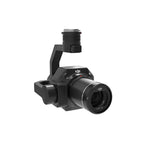
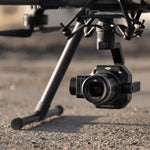
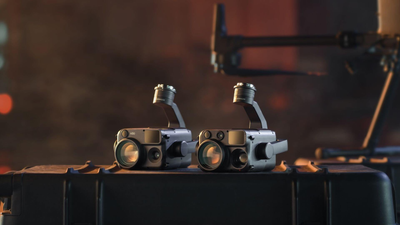
Rental DJI Zenmuse P1 Payload
 Accuracy without GCPs: 3cm horizontally/5cm vertically
Global Mechanical Shutter, Shutter Speed 1/2000 Seconds
3-axis Stabilised Gimbal, Smart Oblique Capture
45MP Full-frame Sensor
Accuracy without GCPs: 3cm horizontally/5cm vertically
Global Mechanical Shutter, Shutter Speed 1/2000 Seconds
3-axis Stabilised Gimbal, Smart Oblique Capture
45MP Full-frame Sensor
Trusted By 12,000+ Drone Operators
The UK's Leading Drone Experts
Flexible Weekly Hire Options Available
 Safe & Secure Checkout

DESCRIPTION
Capture every detail with precision using the DJI Zenmuse P1: a powerhouse aerial mapping solution featuring a full frame sensor, interchangeable fixed focus lenses and a 3 axis stabilised gimbal. Engineered for high efficiency photogrammetry missions, the P1 delivers unmatched image clarity and geospatial accuracy, streamlining workflows and reducing time on site.
WHAT'S INCLUDED?
DELIVERY & RETURNS
Delivery and Returns
A fixed £44 charge will be added at checkout to cover the total cost of delivery and collection of your hire equipment.
Delivery
- Delivery takes place from the Coptrz address unless otherwise agreed in writing.
- Equipment will only be dispatched once full payment or a valid purchase order has been received (where payment terms have been agreed prior to the Hire Period).
- We aim to deliver on or around your estimated delivery date, although specific dates cannot be guaranteed.
- Delivery costs from Coptrz to your operating location are included within the £44 fee.
- The Customer is responsible for all loading and unloading during the Hire Period, except for the initial loading at Coptrz.
- Equipment is deemed to be received in good working order unless written notice of any issue is provided within 8 hours of delivery.
Returns and Collection
- Coptrz will arrange the courier collection on your scheduled return date.
- The Customer must securely package all equipment before the courier arrives to collect it.
- The Customer is responsible for any damage to the equipment during the Hire Period and during return shipping.
- Coptrz will invoice for any damage on proforma terms.
- Late returns will incur additional charges:
-
1) More than 5 working days late: charged at the equivalent of one week's rental.
2) More than 10 working days late: charged at two weeks’ rental, with the pattern continuing thereafter.
RENTAL PROCESS
How Our Drone Hire Process Works
Step 1: Choose Your Equipment
Begin by selecting the rental equipment from the range of high-quality drones and accessories.
Step 2: Specify Rental Duration
After selecting your equipment, specify the rental duration. Our packages are available exclusively in full-week blocks, with the option to extend across multiple weeks.
Important: All rentals must be confirmed at least 96 working hours before the shipping date, including the submission and approval of necessary documents. Confirmation will be sent via email. For urgent needs, please contact our team on 0330 111 7177 to check availability.
Step 3: Submit Required Documentation
Before your rental can be dispatched, you need to upload and have the following documents approved at least 72 working hours prior using the rental document upload form link provided in your order confirmation email:
- Drone Training Certification: All drone hire bookings from Coptrz require the hirer, or any individual operating the hired equipment, to hold either a valid CAA General Visual Line of Sight Certificate (GVC) or a Level 1 Remote Pilot Certificate (RPC-L1).
- UK Drone Registration: You must label your operator ID (person or organisation) on every drone you are responsible for. Any operator flying the drone must have a valid flyer ID (via the CAA's drone registration website).
- Insurance Policy: Valid policy covering the rental period.
Pay £99 Deposit (Refundable)
A £99 deposit is required for each drone rental, refundable upon the safe return of the equipment. Ensure all data is removed from the drone before returning it.
Receive Your Equipment
Your equipment will be shipped via next-day delivery, and we provide a collection service for returns. Delivery and collection fees will be added at checkout before booking confirmation.
Return Your Equipment
Repackage all rental equipment by 9am on the return day for DPD courier collection from the agreed location. If there are any changes, contact us as soon as possible.
Please remove all data from controllers, memory cards, internal storage, and logs before returning the equipment.
For any questions or additional information, please contact our team. We are here to ensure you have the best rental experience.
Delivery & Collection Costs
Any rental costs are without delivery and collection costs. A fixed £44 charge will be added at checkout to cover the total cost of delivery and collection of your hire equipment.